

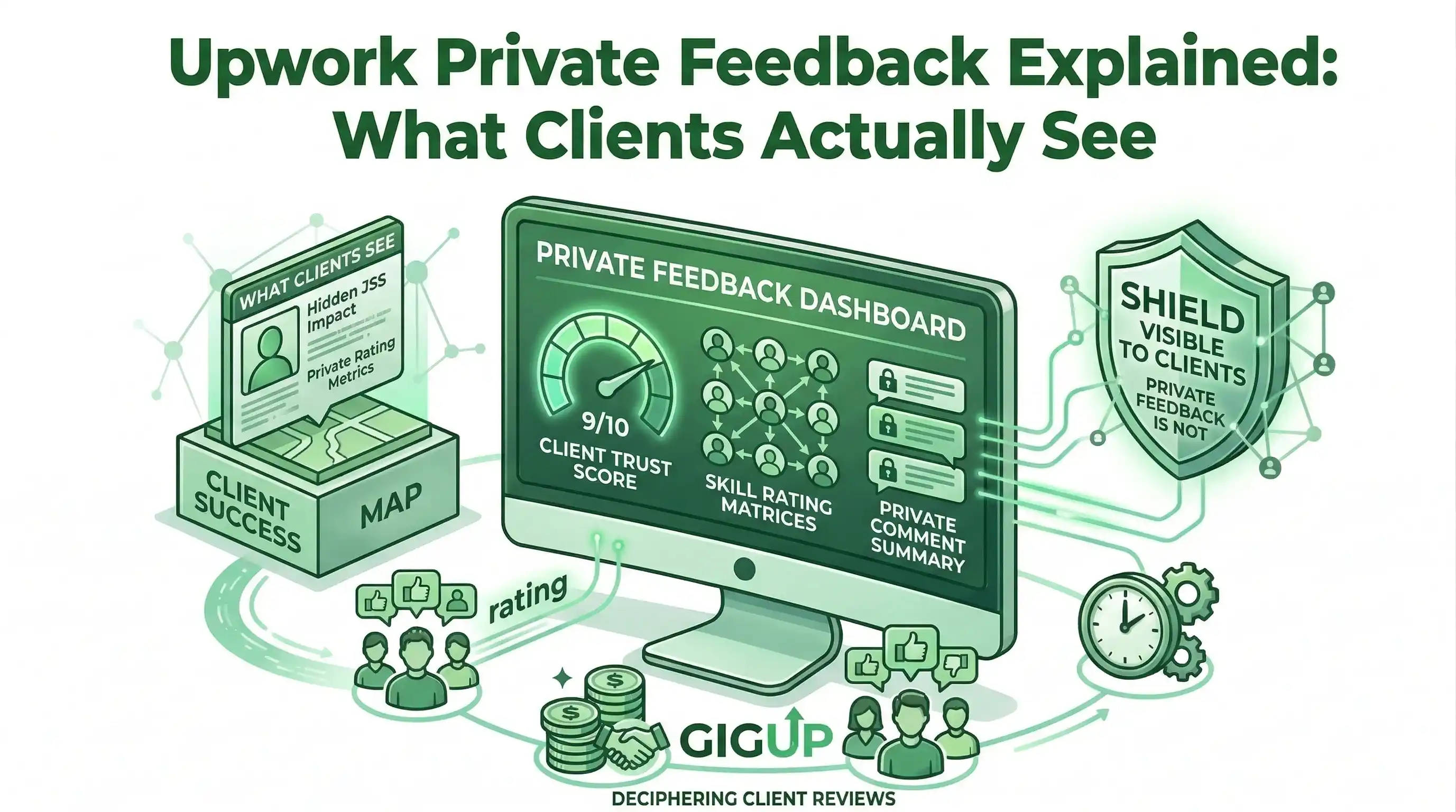
Upwork Private Feedback Explained - What Clients Actually See
You just finished a grueling three-week project. You submitted the final deliverables, the client approved the milestones, and they closed the contract.
A few minutes later, you get the notification: The client left you a glowing, 5-star public review. You breathe a sigh of relief. But two weeks later, when the algorithm updates, your Job Success Score (JSS) drops by 4%, and your organic profile views fall off a cliff.
What happened?
You became a victim of Upwork Private Feedback.
Many freelancers assume the public 5-star review is the only metric that matters. The reality is that Upwork’s algorithm barely cares about public reviews because they know clients hand out 5 stars just to avoid awkward confrontations. To calculate your true ranking, Upwork relies entirely on the secret survey clients fill out after they rate you publicly.
If you are curious (or paranoid) about what happens behind closed doors, here is exactly what the Upwork private feedback UI looks like to your clients, how the math works, and the exact script you must use to protect your profile.
The Hidden UI: What Clients Actually See
When a client clicks "End Contract" on Upwork, they are taken through a multi-step exit survey.
Step 1 is the public feedback. They leave a star rating for your skills, communication, and quality, and write a quick blurb that will appear on your profile.
Once they hit "Next," the screen shifts to a private, confidential page that explicitly states: "This feedback will be kept anonymous and will not be shared directly with the freelancer."
Here are the two lethal questions they are forced to answer:
#Question 1: The Reason for Ending
Upwork provides a dropdown menu asking why the contract is ending.
- The Good Options: "Job completed successfully."
- The Bad Options: "Freelancer was unresponsive," "Quality of work was poor," "Project was cancelled."
If the client selects anything other than a successful completion—even if they still gave you a 5-star public review—the algorithm flags the contract as a negative outcome and immediately hits your JSS.
#Question 2: The Ultimate Metric (NPS)
This is the single most important question on the entire Upwork platform. The client is presented with a 0 to 10 scale and asked:
"On a scale of 0 to 10, how likely are you to recommend this freelancer to a friend or colleague?"
Upwork uses this to calculate a Net Promoter Score (NPS). Here is how the algorithm grades that 0-10 number:
- Scores of 9 or 10 (Promoters): This is a massive positive signal. It boosts your JSS and pushes your profile higher in the organic search results.
- Scores of 7 or 8 (Passives): Here is the trap. In the real world, a 7/10 is a passing grade. On Upwork, a 7 or 8 is mathematically treated as a failure. It signals that you are "average," which actively drags your JSS down.
- Scores of 0 to 6 (Detractors): This is a catastrophic failure that will nuke your Job Success Score and trigger the algorithm to bury your profile.
#The Trap of the "Polite" Client
Now you understand why your score dropped. You had a client who liked you, but maybe you missed a minor deadline or there was a slight miscommunication.
Because they didn't want to hurt your feelings or your public reputation, they gave you 5 stars on the public page. But when they got to the private, anonymous 0-10 slider, they honestly thought, "He was good, but not perfect. I'll give him an 8."
That "8" silently registered as a negative outcome in your metrics.
#The Solution: The "10/10 Extraction Script"
You cannot fix bad private feedback after the contract is closed. Once it is submitted, the data is locked into the algorithm.
To protect your rank, you must prime the client before they click the "End Contract" button. You have to explicitly plant the idea of a 10/10 experience in their mind, while simultaneously giving them a safe space to vent any frustrations to you directly, rather than to the anonymous Upwork survey.
Send this exact script to your client the moment the final deliverable is approved:
"Hi [Client Name], I'm thrilled we could hit the goal for this project! Working with you has been fantastic.
Before we officially close the contract, I want to make sure I’ve met all your expectations. My personal standard is providing a 10/10 experience for my clients. If there is absolutely anything that would prevent you from privately recommending my services to a colleague as a 10/10, please let me know right now so I can fix it for you on my own time. > If everything is perfect, feel free to close the contract! Thank you again for the opportunity."
#Why This Script is Algorithmic Gold:
- It sets the anchor: You are telling them that a "10" is the standard, making them far less likely to randomly click an "8".
- It catches detractors early: If they were secretly annoyed about something, they will tell you now so you can fix it, rather than taking it out on your private feedback survey.
👉 To see exactly how this private data controls your organic profile visibility and your Invite-to-Hire ratio, read our complete breakdown of the Upwork search algorithm.
#The Ultimate Defense: Stop Working with Bad Clients
The easiest way to guarantee perfect private feedback is to stop working with difficult, low-budget, or toxic clients.
If you apply to jobs manually, you are forced to guess whether a client is going to be a nightmare to work with. If you use GigUp, you don't have to guess.
By building an Upwork Automation Workflow with GigUp's AI Smart Trackers, you can automatically filter out clients who have a history of leaving bad reviews, or who have terrible hire rates. Our engine evaluates the client's historical data before the job ever hits your Telegram inbox.
Protect your Job Success Score by only pitching to the top 1% of clients on the platform.
Get started with GigUp today and let our AI filter the noise.