

Upwork Service Fee Explained for Freelancers in 2026: What You Actually Keep
If you only look at the project budget on Upwork, you can fool yourself fast.
A $500 job does not mean $500 in your pocket. A $2,000 project does not mean $2,000 of usable income. And if you are already spending Connects, time, and mental energy chasing weak listings, the service fee can make a bad opportunity even worse.
The real question is not just, “How much does Upwork take?”
The better question is, “After fees, Connects, time, and proposal effort, is this job still worth chasing?”
In this guide, we’ll break down how the Upwork service fee works for freelancers in 2026, what it means for your real take-home earnings, how to think about pricing, and how to avoid wasting effort on jobs that were never profitable enough in the first place.
#The Real Problem Is Not Just the Fee
Most freelancers complain about the Upwork service fee because it is visible.
You see the project amount. You see the deduction. You feel the difference.
But the fee is only one part of the cost.
The bigger problem is applying to the wrong jobs before you even get paid.
Imagine this:
You spend 15 minutes reading a vague job post. You spend 20 minutes writing a proposal. You spend Connects to apply. The client never replies. Then you do that again 10 more times.
That is not just a fee problem. That is a filtering problem.
The service fee matters most when your job selection is weak. If you win strong-fit work with good clients and healthy budgets, the fee becomes part of your pricing model. If you chase low-budget, low-intent, crowded jobs, the fee feels painful because the margin was already thin.
That is the mental model you need.
Upwork fees are not something you “beat.” You price around them, filter around them, and avoid wasting effort where the numbers do not work.
#How the Upwork Service Fee Works in 2026
Upwork charges freelancers a service fee on earnings from client contracts. In simple terms, this is the platform’s cut for helping facilitate the marketplace, payments, contracts, and dispute systems.
For many freelancers, the easiest working assumption is this:
Your Upwork earnings are not your final earnings. Always calculate your take-home amount before deciding whether a job is worth it.
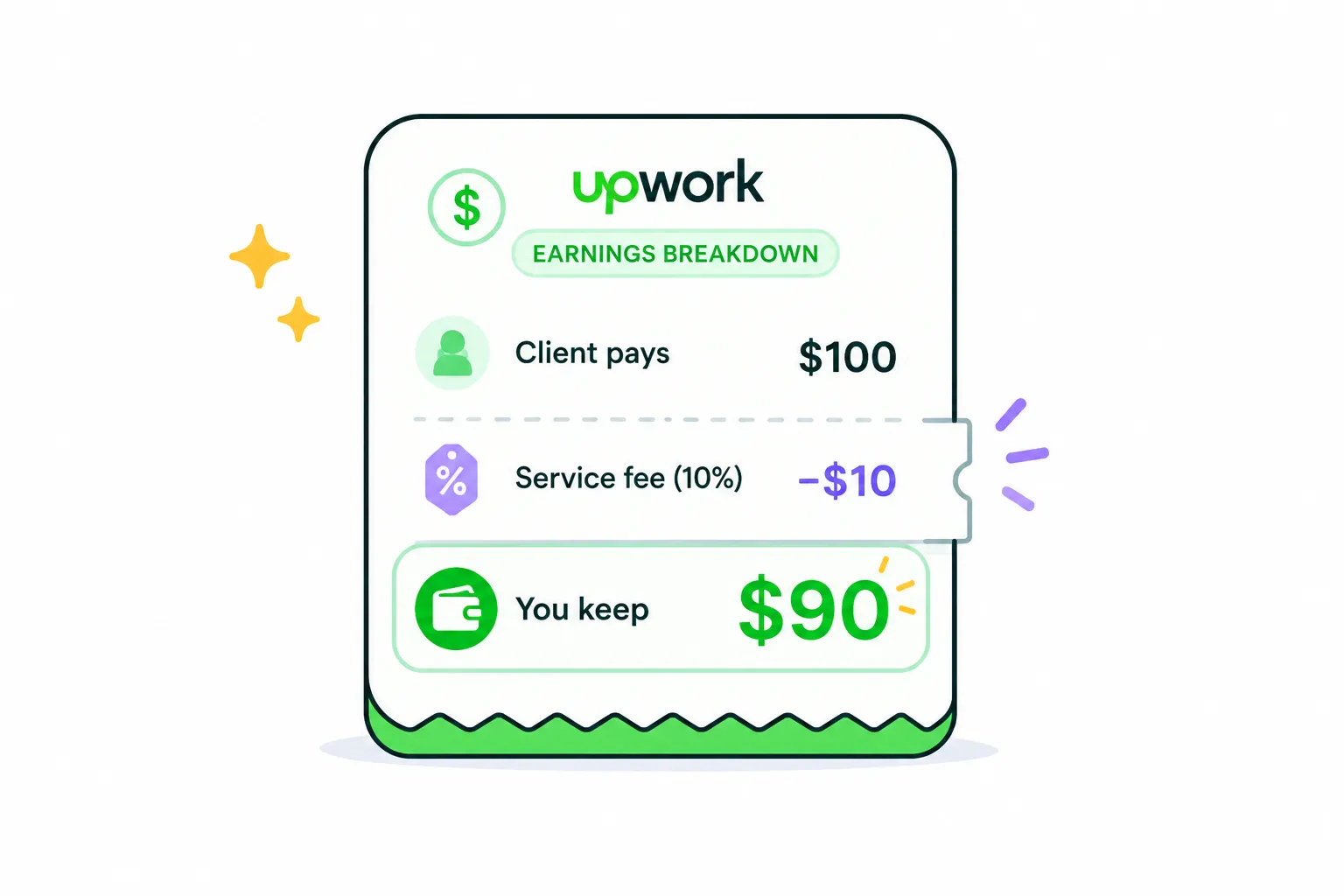
Upwork’s own freelancer pricing pages commonly describe a 10% freelancer service fee, while its fee calculator and help materials also reference variable freelancer service fees that may range from 0% to 15% depending on the contract. Because fee details can vary, always check the fee shown inside your actual Upwork contract or offer before accepting. ([Upwork][1])
Here is the simple version:
| Client Payment | Example Fee at 10% | Your Amount Before Other Costs |
|---|---|---|
| $100 | $10 | $90 |
| $500 | $50 | $450 |
| $1,000 | $100 | $900 |
| $2,500 | $250 | $2,250 |
| $5,000 | $500 | $4,500 |
This table is not meant to scare you.
It is meant to make your pricing real.
If you want to earn $900, you may need to charge around $1,000 before fees. If you want to protect a $2,000 take-home target, you need to think above that number when pricing the project.
That is where many freelancers go wrong. They price based on what sounds fair to the client, then only later realize the final amount is not fair to themselves.
#Why the Fee Feels Worse on Bad Jobs
The same fee can feel completely different depending on the job.
A 10% fee on a strong $3,000 project with a serious client is manageable.
A 10% fee on a $75 job with unclear scope, endless revisions, and slow communication feels brutal.
Why?
Because your time cost does not shrink just because the project is small.
You still need to:
- Read the job post
- Check the client history
- Decide if the scope makes sense
- Write a custom proposal
- Answer interview questions
- Possibly do a call
- Manage the project
- Handle revisions
That means low-value jobs often have the worst hidden economics.
The service fee is visible. The wasted time is not.
But the wasted time is usually more expensive.
#Think in Take-Home, Not Project Budget
A freelancer who thinks clearly does not ask, “Can I win this job?”
They ask, “Should I win this job?”
That small shift changes everything.
Before applying, calculate the real value of the opportunity.
#A Better Way to Judge an Upwork Job
Use this quick checklist before spending Connects:
- Is the client’s budget realistic for the work?
- Does the scope sound specific enough to price?
- Is the client history decent?
- Are there already too many proposals?
- Can you clearly explain why you are a strong fit?
- Would the project still be worth it after the service fee?
- Could this lead to repeat work or a stronger portfolio piece?
If the answer is mostly no, do not apply just because the job is available.
Availability is not opportunity.
A job is only an opportunity if the numbers, timing, fit, and client quality make sense together.
#The Service Fee Should Affect Your Pricing
Some freelancers underprice because they are afraid of losing the client.
That sounds safe, but it usually creates a worse problem.
You win work that does not leave enough margin.
Then you rush. You resent revisions. You avoid deep thinking. You deliver less than your best work. The client relationship becomes weaker.
Underpricing is not just a money problem. It becomes a quality problem.
A better approach is to price with the fee already included.
For example, if you want to keep around $900 before taxes and other expenses, do not quote $900 and hope it works out. Quote with the platform fee in mind.
Simple rule:
Decide your required take-home amount first, then work backward into the project price.
That keeps you from treating the Upwork fee like a surprise.
#Hourly vs Fixed-Price: Where Fees Hurt Differently
The service fee applies to earnings, but the way you feel it can differ between hourly and fixed-price work.
#Hourly Contracts
Hourly work is easier to adjust because your rate can include your expected fee.
If your target take-home rate is $45/hour and the fee is around 10%, charging $50/hour gets you closer to the real number.
Hourly is useful when scope is uncertain, ongoing, or likely to change.
Bad hourly setup:
“I’ll charge low now and raise later.”
Better hourly setup:
“My rate already reflects platform fees, project management time, and the level of work required.”
#Fixed-Price Contracts
Fixed-price work needs more careful thinking.
A $500 fixed project can become a bad deal quickly if the scope expands. The fee comes out of the total, but so does every extra hour you did not plan for.
Bad fixed-price setup:
“I can do everything for $500.”
Better fixed-price setup:
“For $500, I’ll deliver these specific items. Anything beyond that becomes a separate milestone.”
Fixed-price work is not dangerous by itself. Vague fixed-price work is dangerous.
#Connects Make the Math Even More Important
The service fee is charged after you earn.
Connects cost you before you earn.
That is why poor job selection hurts twice.
You spend Connects to apply, then lose time writing proposals, then maybe win a project where the margin is already too low.
This is where freelancers need to stop thinking like applicants and start thinking like operators.
An operator does not apply to everything.
An operator filters.
They look for jobs where the odds, timing, budget, and fit justify the effort.
That means your workflow matters as much as your proposal.
If your process is “scroll manually, guess quickly, apply emotionally,” you will burn Connects faster than you learn.
A better workflow is:
- Find relevant jobs early
- Filter out weak-fit listings
- Prioritize jobs with serious buying signals
- Write proposals only for jobs worth winning
- Track what gets replies
- Adjust your targeting over time
This is also where a tool like GigUp fits naturally. Instead of manually refreshing Upwork and trying to judge every listing from scratch, GigUp helps you monitor saved Upwork searches, score jobs against your profile, and focus on opportunities that are more likely to match your skills, experience, and goals.
For deeper proposal strategy, you can also read: How to build a smarter Upwork bidding strategy that gets more replies.
#What Bad Fee Management Looks Like
Bad fee management is not just forgetting that Upwork takes a percentage.
It looks like this:
- Applying to jobs with budgets that are already too low
- Accepting unclear scope because you want momentum
- Pricing based on client comfort instead of your required margin
- Ignoring how many proposals are already submitted
- Spending too long on custom proposals for weak listings
- Treating every job post like it deserves the same effort
- Forgetting that your time spent applying is also a cost
The result is predictable.
You feel busy, but your income does not move enough.
You send more proposals, but your reply rate stays flat.
You win some work, but it does not feel worth the energy.
That is not a motivation problem. It is a system problem.
#What Better Fee Management Looks Like
Better fee management starts before the proposal.
You do not wait until the contract offer to think about the fee. You think about it while deciding whether the job deserves your attention.
A stronger process looks like this:
#1. Set a Minimum Take-Home Target
Know your minimum acceptable amount before browsing jobs.
For example:
- Minimum hourly take-home target
- Minimum fixed-price project size
- Minimum budget for complex work
- Minimum client quality signals
This protects you from emotional bidding.
#2. Build the Fee Into Your Price
Do not treat the service fee as something separate from your business.
If you use Upwork as a client acquisition channel, the fee is part of the channel cost.
Just like an agency might pay for ads, software, or sales tools, you are paying for access to a marketplace. That does not mean every fee feels good. It means you need to price like a business.
#3. Filter Before Writing
Do not write a full proposal until the job passes basic checks.
Check:
- Budget
- Scope clarity
- Proposal count
- Client history
- Payment verification
- Job urgency
- Skill match
- Long-term potential
A proposal should be the final step after filtering, not the first step before thinking.
#4. Use Proposal Effort Based on Opportunity Quality
Not every job deserves a 30-minute proposal.
For a weak but possible job, a short tailored response may be enough.
For a high-value, strong-fit job, it may be worth writing a deeper proposal with specific observations, a short plan, and relevant proof.
Your effort should match the opportunity.
#A Simple Upwork Fee Decision Framework
Use this before applying.
| Question | Bad Sign | Better Sign |
|---|---|---|
| Is the budget healthy after fees? | You would feel underpaid if you won | The take-home amount still works |
| Is the scope clear? | “Need expert for everything” | Specific deliverables and goals |
| Is the client serious? | No history, vague post, tiny budget | Clear need, decent spend, focused request |
| Is timing on your side? | 50+ proposals already | Fresh post or lower competition |
| Can you stand out fast? | Your experience is only loosely related | You have direct proof or similar work |
| Is it worth custom effort? | Low value, unclear upside | Good budget, strong fit, possible repeat work |
This is the point most freelancers miss:
The fee does not make a good job bad. It makes a bad job easier to spot.
If the project only works when you ignore the fee, it probably does not work.
#How GigUp Helps You Protect Your Margin
GigUp is not about sending more proposals for the sake of volume.
That is the wrong game.
The better game is finding the right jobs earlier, filtering them faster, and writing stronger proposals only when the opportunity deserves it.
GigUp helps with that by letting you create Upwork job trackers based on saved search URLs. Then it uses AI to compare new jobs against your profile, skills, and past projects.
Instead of manually opening dozens of listings and guessing, you can use match scores to quickly separate strong opportunities from weak ones.
For example:
- A job with an 85% match may deserve a fast, thoughtful proposal
- A job with a 45% match may need caution
- A job with a poor match can be skipped before it costs you time and Connects
GigUp can also generate tailored proposal drafts based on the job and your profile, so you are not starting from a blank page every time.
That matters because proposal speed affects visibility. On competitive Upwork jobs, being late often means being invisible.
The goal is not automation for laziness.
The goal is better timing, better filtering, and better use of your limited attention.
#Practical Pricing Tips for 2026
Here are a few grounded rules you can apply immediately.
#Do Not Price From the Client’s Budget Alone
Client budgets are often guesses.
Some clients under-budget because they do not understand the work. Others use placeholders. Some are serious but need help understanding the real scope.
Your job is not to blindly match the budget.
Your job is to price the outcome, the complexity, the risk, and the fee.
#Avoid Tiny Jobs With Big Thinking Requirements
A $100 task that needs strategy, calls, revisions, and research can be worse than a $1,000 implementation project with clear requirements.
Small jobs are not always bad.
But small unclear jobs are dangerous.
#Use Milestones to Control Scope
For fixed-price work, break projects into milestones.
This protects you from doing too much before the value is clear.
Example:
- Milestone 1: Audit and plan
- Milestone 2: First implementation
- Milestone 3: Revisions and final delivery
This keeps the client comfortable and protects your margin.
#Raise Your Rate When Your Filtering Improves
If you are only applying to better-fit jobs, you can often price with more confidence.
Why?
Because your proposal becomes more relevant.
You are not begging for random work. You are showing up where your skills clearly match the client’s problem.
That is a stronger position.
#The Best Way to Think About Upwork Fees
Do not build your Upwork strategy around complaining about fees.
Build it around control.
You control which jobs you apply to. You control how fast you respond. You control how clearly you price. You control whether your proposal is generic or specific. You control whether you chase every listing or filter like a professional.
The fee is part of the platform.
Your workflow is the part you can improve.
A freelancer with weak filtering feels every fee more sharply because too much effort goes into too many bad opportunities.
A freelancer with strong filtering can absorb the fee because they are focused on better clients, better-fit projects, and higher-value work.
That is the real difference.
#FAQ
#What is the Upwork service fee for freelancers in 2026?
Upwork commonly describes a 10% freelancer service fee on earnings, while some official fee tools and help materials also reference variable freelancer service fees depending on the contract. Always check the fee shown on your specific contract or offer before accepting.
#Should I raise my prices because of the Upwork fee?
Yes, you should account for the fee when setting your rate or project price. That does not mean adding a random markup. It means deciding your required take-home amount first, then pricing the job so the final number still works.
#Does the service fee matter more for small jobs?
Usually, yes. Small jobs often have less room for revisions, calls, admin time, and scope changes. The fee makes thin-margin projects even thinner.
#Is it better to do hourly or fixed-price work on Upwork?
Neither is always better. Hourly is usually safer when scope is uncertain. Fixed-price can work well when deliverables are clear and milestones are controlled. The dangerous option is vague work with weak pricing.
#How can I waste fewer Connects?
Filter harder before applying. Look at budget, client history, proposal count, scope clarity, and fit. Do not spend Connects just because a job is new. Spend them when the opportunity has a real chance of turning into profitable work.
#Can GigUp help with Upwork fees directly?
GigUp does not remove Upwork’s service fee. It helps with the part you can control: finding better-fit jobs faster, avoiding weak listings, and generating more relevant proposals. That can improve how efficiently you use your time and Connects.
#Final Thought
The Upwork service fee is not the main reason freelancers struggle.
The bigger issue is applying to jobs that were never worth the effort.
Once you understand the fee, build it into your pricing, and filter jobs before writing proposals, Upwork becomes easier to judge. You stop reacting to every listing and start choosing opportunities like a business.
That is where GigUp can help.
By tracking Upwork searches, scoring job fit, sending alerts, and helping you draft tailored proposals faster, GigUp gives you a more disciplined way to protect your time, Connects, and margins.
You still have to choose the right work.
GigUp just helps you find it before everyone else does.