

Upwork Freelancer Plus vs. Basic: Do You Actually Need It in 2026?
As an Upwork freelancer in 2026, you are already paying for Connects, and you are already giving up 10% of your earnings to platform service fees. So when Upwork prompts you to upgrade to their Freelancer Plus tier for an additional $19.99 per month, you have to ask yourself a serious question:
Is this a business investment that will generate a return, or is it just a vanity tax?
Millions of freelancers blindly pay for the Plus subscription because they believe it holds the secret to winning more proposals. Upwork markets the tier as a way to "stand out from the crowd," but a deeper look at the unit economics reveals a very different story.
If you are trying to decide between the free Basic plan and the paid Plus plan, here is the brutally honest 2026 teardown of the Freelancer Plus features, the psychological traps you need to avoid, and the mathematical truth about how to spend your software budget.
#The Feature Breakdown: What Does $20 Actually Buy?
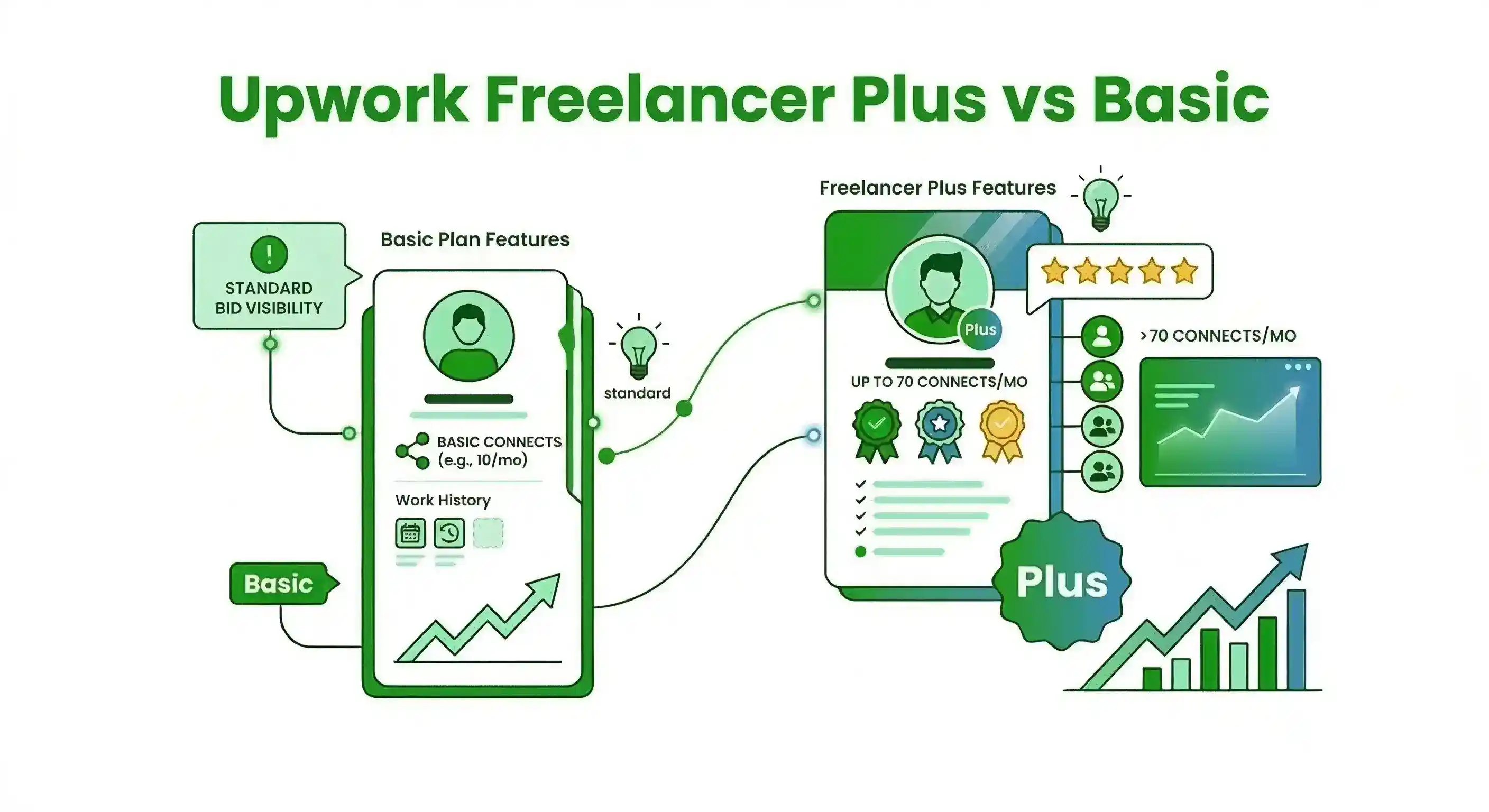
Upwork Freelancer Plus currently costs $19.99 per month. If you stay on the free "Basic" plan, you only receive 10 free Connects a month. When you upgrade to Plus, you receive a bundle of features. Let's look at the actual monetary value of these perks.
#1. The 100 Monthly Connects
This is the core reason most people upgrade. You receive an allotment of 100 Connects every month.
- The Math: If you were to buy Connects out-of-pocket on the Basic plan, they cost $0.15 each. Therefore, 100 Connects has a real-world value of $15.00.
- The Reality: Because the subscription costs $19.99, you are essentially buying $15 worth of Connects and paying a $4.99 premium for the rest of the features on this list.
#2. Competitor Bid Insights
This feature allows you to see the highest, lowest, and average bids submitted by other freelancers on a specific job post before you apply.
- The Trap: Upwork knows freelancers are desperate to know what their competitors are charging. However, this feature is fundamentally useless for winning jobs. If you are a high-ticket React developer, knowing that an entry-level freelancer just bid $10/hour should not influence your pricing strategy. Adjusting your rate to "beat" the average bid is a race to the bottom.
3. Custom Profile URL & Hidden Earnings
You can change your profile link from a random string of numbers to your actual name (e.g., upwork.com/freelancers/JohnDoe). You can also choose to hide your total historical earnings from your public profile.
- The Reality: These are pure vanity metrics. Clients searching for talent in the Upwork search engine do not see or care about your custom URL. Furthermore, hiding your earnings can actually hurt your conversion rate, as high historical earnings act as powerful social proof to premium clients.
#4. 0% Service Fee on Direct Contracts
If you bring a client from outside of Upwork onto the platform, Upwork waives the standard service fee.
- The Reality: This is highly beneficial if you do a lot of cold-emailing or LinkedIn outreach. However, if your primary goal is to win jobs already posted on the Upwork feed, this feature provides zero value.
#The Core Problem: Plus Doesn't Fix Your Funnel
When you break down the math, you are paying $4.99 a month for a custom URL, a basic AI chatbot, and the ability to look at what other people are charging.
None of these features actually solve the two biggest problems freelancers face in 2026:
- Finding high-quality clients before anyone else does.
- Writing highly personalized proposals faster than the competition.
The Upwork algorithm heavily favors response velocity. If you use your Freelancer Plus Connects to apply to a job 45 minutes after it was posted, the fact that you have a custom URL and know the average bid will not save you. The client has already interviewed the freelancers who applied in the first 5 minutes.
You do not need vanity metrics. You need speed.
👉 *To see a massive, side-by-side software teardown comparing native Upwork features to professional automation layers, read our complete guide: Is Upwork Freelancer Plus Worth It in 2026?*
#The Better Investment: Connects + Automation
If you have a $20 to $30 monthly budget to grow your freelance business, how should you spend it?
Instead of paying Upwork for a Plus subscription, elite freelancers use a hybrid approach: They stay on the free Basic plan, buy Connects manually only when they need them, and invest their monthly software budget into a dedicated AI Automation Layer like GigUp.
#Why GigUp Generates a Higher ROI:
- Offense vs. Defense: Upwork Plus gives you a custom URL (defense). GigUp actively monitors the marketplace 24/7 and pushes zero-latency job alerts directly to your Telegram so you can be the first to apply (offense).
- AI Filtering: Upwork Plus gives you 100 Connects, but lets you waste them on bad clients. GigUp grades the client's hire rate and history before you apply, ensuring you only spend your Connects on high-probability jobs.
- Smart Proposals: Instead of just showing you a competitor's bid, GigUp uses your imported portfolio to instantly draft a hyper-personalized cover letter the second the job goes live, ensuring you beat the competition to the top of the client's dashboard.
#The Final Verdict
If you simply want to pre-pay for $15 worth of Connects every month, the Upwork Freelancer Plus subscription is harmless.
But if you expect that $20/month to magically increase your Invite-to-Hire ratio or win you more jobs, you will be deeply disappointed. In 2026, the freelancers winning the best contracts aren't the ones with hidden earnings and custom URLs—they are the ones who strike first.
Stop paying for vanity metrics. Reallocate your software budget toward a tool that actually fills your pipeline.
Get started with GigUp today and experience the financial advantage of real-time lead generation.