

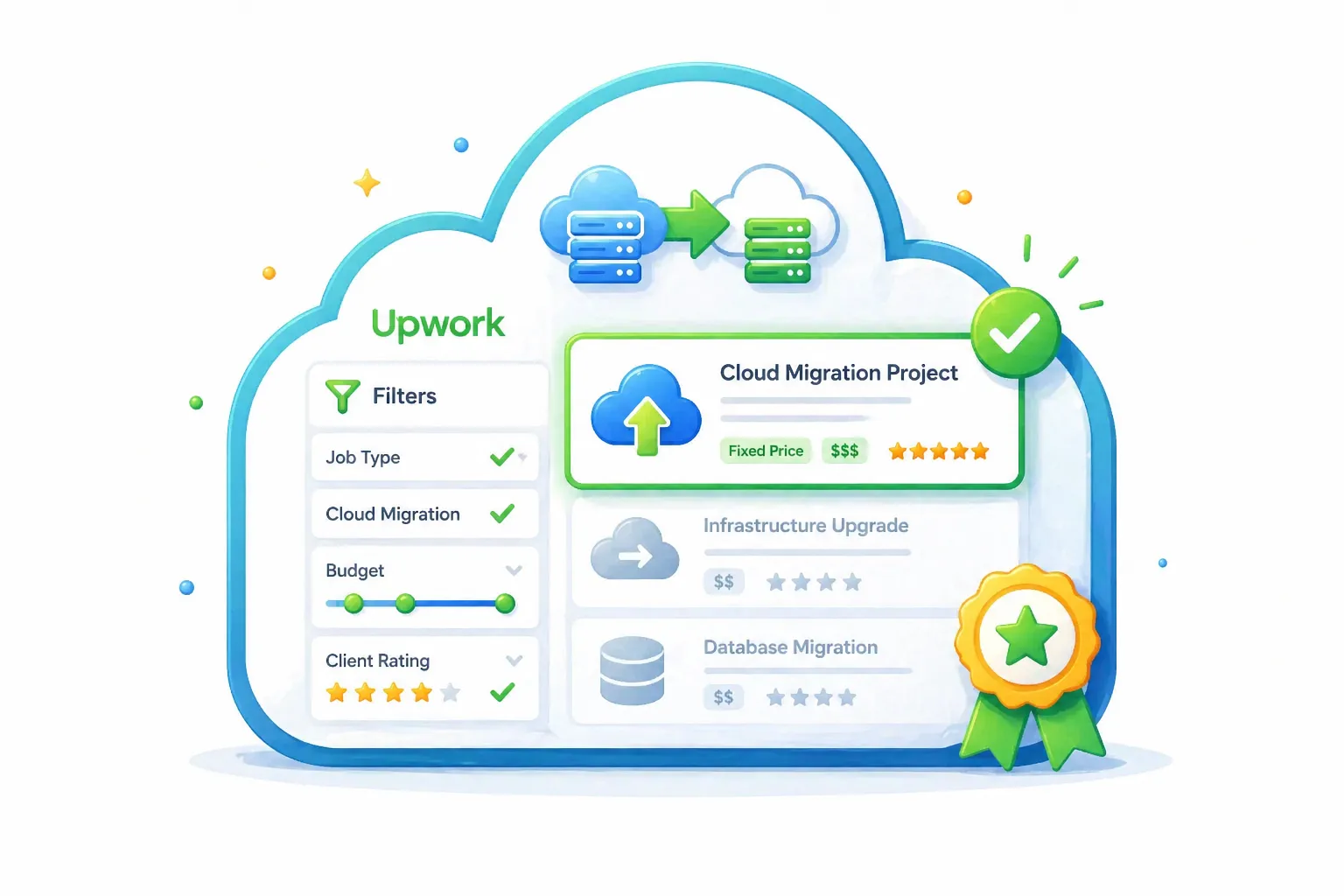
How to Win Cloud Migration Projects on Upwork With Better Job Filtering
Cloud migration projects on Upwork look attractive until you realize how messy they can get. A client posts “move our app to AWS,” but behind that short sentence there might be broken deployments, missing backups, unclear server access, outdated dependencies, database risk, DNS pressure, and a business owner who cannot afford downtime.
The freelancers who win these projects are not just better at cloud tools. They are better at reading risk. They know which jobs are worth pursuing, which ones are trouble, and how to make a client feel safe before the first call.
This guide will help you understand how to find better cloud migration projects on Upwork, evaluate them quickly, position your profile correctly, and send proposals that sound like they came from someone who has handled real production systems before.
#Cloud Migration Work Is Not Just “Moving Servers”
A weak cloud migration freelancer thinks the job is about copying files, setting up a server, and pointing DNS.
A strong cloud migration freelancer understands the real job is protecting the client from business disruption.
That means thinking about:
- Application dependencies
- Database size and migration method
- Backups and restore testing
- SSL certificates
- DNS cutover timing
- Environment variables
- Cron jobs and queues
- File storage
- Monitoring
- Rollback plans
- Cost control after migration
Clients may not use these words in the job post. But they still care about the outcome.
They want the app to keep working.
That is why your proposal cannot sound like a generic “AWS expert” pitch. It needs to show that you understand the hidden risk behind the project.
#Why Cloud Migration Projects Are Hard to Win
Cloud migration is competitive because it attracts several types of freelancers at once.
You are competing with:
- DevOps engineers
- Backend developers
- Cloud consultants
- WordPress migration specialists
- AWS-certified freelancers
- Agencies
- Low-cost bidders offering “quick setup”
That creates a noisy marketplace.
But here is the good news.
Most proposals still sound the same.
They focus on tools instead of trust.
Bad proposal language looks like this:
“I have experience in AWS, Azure, Docker, Kubernetes, and Linux. I can complete this job.”
That may be true, but it does not make the client feel safer.
Better proposal language looks like this:
“Before migration, I would first review the current hosting setup, database, file storage, DNS records, SSL, background jobs, and backup process. Then I would create a staging migration, test the app, and only move production after the rollback path is clear.”
That is different.
It gives the client a mental picture of control.
#The Main Mistake: Applying to Every Cloud Job
Many freelancers search “AWS,” “cloud,” “DevOps,” or “migration,” then apply to anything that looks close.
That is a bad system.
Cloud migration projects are not equal. Some are strong opportunities. Some are underpriced disasters. Some are not migration projects at all. They are emergency rescue jobs written by clients who do not understand what broke.
You need a filter before you need a proposal.
Think of it like this:
Your proposal is only as good as the job you choose to send it to.
If the listing is vague, underfunded, and outside your experience, even a strong proposal may not help. But if the listing matches your stack, your proof, and your process, you can sound highly relevant fast.
That is where better job filtering becomes a real advantage.
#What a Good Cloud Migration Job Looks Like
A good cloud migration listing usually gives you enough context to respond specifically.
It may mention:
- Current hosting provider
- Target cloud provider
- Application framework
- Database type
- Traffic level
- Existing pain
- Deadline
- Downtime expectations
- Budget range
- Need for ongoing support
For example, this is a useful listing:
“We have a Laravel app currently hosted on a VPS. We want to migrate it to AWS with MySQL, SSL, backups, and a cleaner deployment process. Need someone who can plan the move and avoid downtime.”
That gives you a clear path.
You can talk about Laravel, AWS, MySQL, backups, staging, DNS, deployment, and downtime.
Now compare it with:
“Need cloud expert ASAP. Simple job. Budget $50.”
That might be more trouble than it is worth.
The first job lets you show expertise. The second job forces you to guess.
#Learn to Read Buyer Intent
Cloud migration buyers usually fall into a few groups.
Some know exactly what they need. Some only know the symptom. Some are in panic mode.
Your job is to identify which type of client you are dealing with before you apply.
| Buyer type | What they say | What they need | Your best angle |
|---|---|---|---|
| Technical founder | “Move our Node app from DigitalOcean to AWS ECS” | Execution and clean architecture | Show process, stack fit, and deployment experience |
| Non-technical owner | “Our site is slow and hosting is expensive” | Diagnosis and guidance | Explain audit, options, and simple next steps |
| Startup team | “Need production migration with minimal downtime” | Risk reduction | Emphasize staging, backups, cutover, and rollback |
| Agency | “Need help migrating client sites” | Reliability and repeatable work | Position around documentation and clean handoff |
| Panic client | “Server down, need AWS expert now” | Emergency support | Be careful; clarify scope before committing |
This is how you stop treating every listing the same.
The client’s language tells you how to respond.
#Your Profile Should Make Migration Trust Easy
For cloud migration work, your Upwork profile needs to do more than list tools.
A client should be able to scan your profile and quickly understand:
- What kind of systems you migrate
- Which platforms you work with
- What risks you handle
- What results you have delivered
- Why you are safer than a random bidder
A title like this is too broad:
DevOps Engineer | AWS | Docker | Linux
This is better:
AWS Cloud Migration Specialist for SaaS Apps, VPS Moves, Backups & CI/CD
It is more specific. It gives the client a reason to keep reading.
Your overview should also connect technical work to business outcomes.
Instead of only saying:
“I work with AWS, Docker, Nginx, Linux, and CI/CD.”
Say:
“I help small teams move production apps from VPS or legacy hosting to AWS with backups, staging tests, DNS cutover planning, SSL setup, monitoring, and post-migration cleanup.”
That sounds more useful because it matches the client’s fear.
They are not afraid that you do not know the AWS dashboard.
They are afraid their app will break.
#Build Proof Before You Bid
Cloud migration clients want evidence.
You do not need a huge enterprise case study, but you do need proof that you understand real systems.
Add portfolio items or project descriptions around:
- VPS to AWS migration
- WordPress to cloud hosting
- Laravel deployment setup
- Database migration
- Dockerizing an app
- CI/CD pipeline setup
- Backup and restore configuration
- Server cost optimization
- Monitoring and alerting setup
- SSL and DNS migration
Make the proof concrete.
Weak proof:
“Worked on AWS projects.”
Better proof:
“Migrated a Laravel app from a VPS to AWS EC2 with RDS, SSL, backups, queue worker setup, and GitHub Actions deployment.”
Specificity builds trust.
If your profile is still too general, fix that before scaling your proposals. You can also review this guide on Upwork proposal strategy if you want a stronger structure for turning your experience into clearer client-facing messages.
#The Cloud Migration Job Filter
Before applying, score the job.
Do not rely on emotion. Do not apply just because the budget looks decent. Use a simple filter.
| Filter | Strong signal | Weak signal |
|---|---|---|
| Stack fit | Matches your proven tools and project history | Requires tools you barely know |
| Client clarity | Explains current setup and target outcome | Says “cloud expert needed” with no detail |
| Risk awareness | Mentions downtime, backup, testing, or migration plan | Assumes migration is a tiny task |
| Budget fit | Budget matches production risk | Very low budget for high-stakes work |
| Timeline | Reasonable deadline | Urgent panic with unclear scope |
| Proof match | You can mention relevant work | You would need to fake relevance |
| Communication | Calm, specific, practical | Angry, rushed, or blaming past freelancers |
If a job has mostly weak signals, skip it.
That is not being picky. That is protecting your time.
#Use Better Search Terms
A lot of good cloud migration jobs do not use perfect technical language.
Clients may not write “cloud migration specialist.”
They might write:
- Move website to AWS
- Migrate app to cloud
- Move from DigitalOcean to AWS
- Transfer VPS to cloud hosting
- Set up production server
- Fix deployment process
- Dockerize app
- Set up CI/CD
- Move database to RDS
- Reduce AWS bill
- Server keeps crashing
- Need backup and monitoring
- Website migration with no downtime
This matters because the best jobs are not always sitting under the obvious keyword.
If you only search for “AWS migration,” you may miss clients describing the same problem in simpler language.
This is one reason GigUp can help. You can create trackers around multiple Upwork searches, attach your profile, and let AI score new jobs based on fit instead of manually refreshing the same keywords every day.
The goal is not to see more listings.
The goal is to catch better-fit listings earlier.
#How to Write a Cloud Migration Proposal That Feels Safe
A strong cloud migration proposal should feel like a controlled plan.
Not a lecture.
Not a resume dump.
Not a long unpaid architecture document.
Use this structure:
- Mention the exact migration need
- Show you understand the risk
- Explain your likely process
- Reference relevant experience
- Ask smart questions
- Suggest a simple next step
Here is an example.
Hi, I can help migrate your Laravel app from the current VPS to AWS.
For this kind of move, I would first review the existing server setup, PHP version, MySQL database, environment variables, file storage, cron jobs, queues, DNS records, SSL, and backup process. That helps avoid surprises during cutover.
My usual approach is to prepare the AWS environment, run a staging migration, test the app and database, confirm background jobs, then schedule the production switch with a rollback path ready.
I have worked on similar app migrations where the main goal was reducing downtime and making deployment easier after the move.
A few quick questions:
- Which hosting provider is the app currently on?
- How large is the database?
- Is minimal downtime required?
If the setup is straightforward, I can help plan the migration and then handle the move safely.
This proposal works because it makes the client feel understood.
You are not begging for the job. You are showing how you think.
#What to Avoid in Cloud Migration Proposals
Some proposal habits hurt trust immediately.
#Avoid Blind Guarantees
Do not say:
“I guarantee zero downtime.”
You cannot guarantee that before seeing the system.
Say:
“I can plan the migration to reduce downtime and use a rollback path if anything unexpected happens.”
That sounds more mature.
#Avoid Tool Dumping
Do not list every platform you know.
The client does not need your full tech inventory. They need to know you can solve their specific migration problem.
#Avoid Overexplaining
You do not need to write a full technical plan in the proposal.
Give enough detail to prove competence, then save the deeper planning for the project or a paid audit.
#Avoid Applying When the Fit Is Weak
This is the hardest one.
Sometimes a cloud job looks exciting, but it is outside your experience. If the project involves Kubernetes, Terraform, multi-region infrastructure, or compliance-heavy architecture and you have not handled that before, do not pretend.
Better to win the right smaller migration than fail a bigger one.
#Package Your Cloud Migration Service
One way to stand out is to package your service instead of sounding like a general cloud freelancer.
Clients like clarity.
Here are three simple offers you can build around.
#1. Cloud Migration Audit
Best for unclear or risky projects.
Includes:
- Current setup review
- Risk checklist
- Migration plan
- Timeline estimate
- Cost recommendations
- Suggested cloud architecture
This is useful when the client is not ready for full migration yet.
#2. Full Cloud Migration
Best for clients with a clear goal.
Includes:
- Backup setup
- Cloud server or service configuration
- Database migration
- App deployment
- DNS and SSL setup
- Testing
- Cutover support
- Post-migration checks
This is the main offer most clients understand.
#3. Post-Migration Cleanup
Best for clients who already moved and now have problems.
Includes:
- Performance review
- Security basics
- Monitoring setup
- Backup verification
- Cost optimization
- Deployment improvement
This offer is underrated.
Many clients migrate badly first, then need someone experienced to clean it up.
#A Better Workflow for Winning Cloud Migration Projects
Winning more cloud migration work is not about sending more proposals every day.
It is about building a better operating system.
Here is the workflow.
#Step 1: Define Your Best-Fit Migration
Write one clear sentence.
Example:
“I help small SaaS teams migrate Laravel and Node.js apps from VPS hosting to AWS with backups, staging, DNS cutover, and CI/CD setup.”
This gives you a filter.
Now you know what to look for.
#Step 2: Build Multiple Search Paths
Do not depend on one keyword.
Use searches around:
- Platform names
- Migration phrases
- Pain symptoms
- App frameworks
- Hosting providers
- Deployment problems
- Database moves
- Cost optimization
For example:
- AWS migration
- VPS to AWS
- Laravel AWS
- DigitalOcean migration
- production server setup
- Docker deployment
- database migration
- cloud hosting setup
- reduce AWS cost
The better your search coverage, the less likely you are to miss good jobs.
#Step 3: Let Fit Decide, Not Urgency
Urgent jobs can be good.
But urgency without clarity is dangerous.
Before applying, ask:
- Can I understand the problem?
- Can I explain a safe process?
- Do I have relevant proof?
- Is the budget realistic?
- Does the client sound reasonable?
If yes, move quickly.
If no, skip or ask a clarifying question only when the upside is worth it.
#Step 4: Respond With a Mini Plan
Your proposal should not be a biography.
It should show the client what happens next.
For cloud migration, your mini plan might mention:
- Review current infrastructure
- Confirm database and storage details
- Prepare cloud environment
- Run test migration
- Validate app behavior
- Plan DNS switch
- Keep rollback option
- Check monitoring and backups
This makes your proposal feel grounded.
#Step 5: Track What Converts
Keep a simple record of:
- Which search terms produced good jobs
- Which proposals got viewed
- Which proposals got replies
- Which project types closed
- Which client language signaled quality
- Which budgets were worth pursuing
This is where your Upwork workflow becomes smarter over time.
GigUp supports this kind of workflow by helping you monitor job trackers, evaluate matches against your profile, and generate proposal drafts based on the actual job post and your real experience. That means less manual scanning and more time spent on the opportunities that deserve a strong response.
#Cloud Migration Proposal Checklist
Use this before sending your next proposal.
| Question | Why it matters |
|---|---|
| Did I mention the client’s exact migration goal? | Shows the proposal is not generic |
| Did I identify the main technical risks? | Builds trust |
| Did I explain a safe process? | Makes you feel reliable |
| Did I reference relevant experience? | Gives proof |
| Did I ask useful questions? | Shows maturity |
| Did I avoid blind guarantees? | Protects credibility |
| Did I keep it easy to read? | Busy clients skim |
| Did I apply because the fit is strong? | Saves time and improves reply quality |
A good proposal does not need to be long.
It needs to be specific.
#How GigUp Fits Into This Workflow
Cloud migration projects reward speed, but only when speed is paired with relevance.
Applying fast to the wrong job does nothing.
Applying early to a strong-fit migration project can change everything.
GigUp helps by turning your Upwork search process into a more focused system. You create trackers from Upwork search URLs, attach your profile, set match criteria, and receive alerts when new jobs match your skills. Instead of manually checking cloud migration searches all day, you can focus on reviewing higher-fit opportunities and sending better proposals.
The real benefit is simple:
You spend less energy finding the job and more energy winning the job.
That matters in a competitive category like cloud migration.
#FAQ
#Is cloud migration a good Upwork niche?
Yes, if you have real technical experience and can communicate risk clearly. Clients often pay more for cloud migration because production systems, data, uptime, and cost are involved. But it is not a good niche if you only know basic server setup and cannot handle unexpected issues.
#Which cloud platform should I focus on first?
Start with the platform you know best. AWS has broad demand, but Azure, Google Cloud, DigitalOcean, and managed cloud hosting can all produce good projects. The strongest niche is usually the one where your past work gives you proof.
#Should I bid on urgent cloud migration jobs?
Sometimes, but be careful. Urgent jobs can be profitable, but they can also be chaotic. If the client cannot explain the current setup, access situation, or business risk, slow the conversation down before committing.
#How do I stand out from AWS-certified freelancers?
Certifications help, but clients hire for confidence. Show your process. Talk about backups, staging, database handling, DNS cutover, rollback, monitoring, and documentation. That often matters more than simply saying you are certified.
#Can I win cloud migration jobs as a developer, not a DevOps engineer?
Yes, especially if the migration is tied to your app stack. For example, a Laravel developer who understands deployment, queues, MySQL, Nginx, SSL, and AWS basics can be a strong fit for Laravel migration jobs. Do not chase infrastructure work beyond your depth.
#How can GigUp help me find these projects earlier?
GigUp monitors your Upwork job trackers, compares new listings against your profile, scores job fit, and sends alerts when relevant opportunities appear. For cloud migration freelancers, that helps reduce manual searching and improves your chance of responding while the job is still fresh.
#Final Thoughts
Cloud migration clients are not only buying technical work.
They are buying calm.
They want someone who can look at a messy system, identify the risks, make a plan, and move carefully. If your profile and proposal communicate that clearly, you immediately separate yourself from freelancers who only list tools.
So do not chase every cloud job.
Choose your lane. Build proof. Filter listings carefully. Move fast when the fit is strong. Write proposals that show process, not panic.
And when manual searching starts slowing you down, use GigUp to monitor the right Upwork searches, surface better-fit cloud migration projects, and help you respond with more relevance while the opportunity is still fresh.