

How to Use Tiered Pricing for Upwork Services Without Confusing Clients
Bad pricing makes good freelancers look risky.
You can have the right skills, a strong portfolio, and a solid proposal, but if your offer feels unclear, the client hesitates. And on Upwork, hesitation is expensive. The client may move to another freelancer, your proposal may get buried, and you may burn Connects on conversations that never turn into paid work.
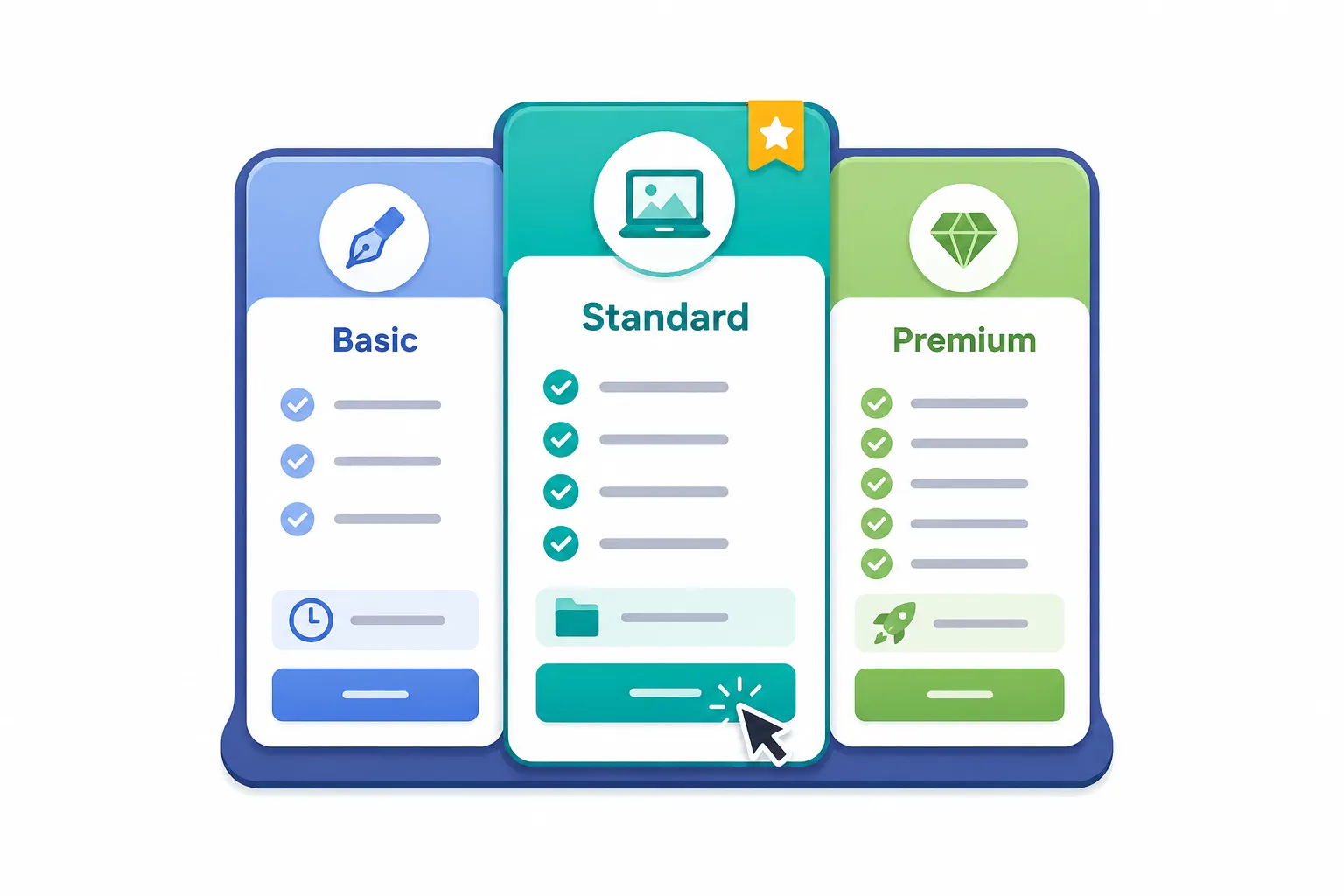
Tiered pricing solves this by turning your service into a simple choice. Instead of forcing the client to decide from a blank page, you give them clear options: a basic version, a stronger version, and a premium version. Done well, this makes your offer easier to understand and easier to buy.
In this guide, you will learn how to use tiered pricing for Upwork services without sounding cheap, pushy, or confusing. You will also see how to connect your pricing tiers to better job filtering, stronger proposals, and faster client decisions.
#Why Upwork Freelancers Struggle With Pricing
Most freelancers price reactively.
A client posts a job. You read the budget. Then you try to fit your offer inside that number.
That sounds practical, but it creates a bad habit. You start pricing based on what the client typed into a field instead of what the project actually needs.
Here is what usually happens:
- You underprice because you want the reply.
- You over-explain because your offer is unclear.
- You send custom pricing every time, even for similar jobs.
- You attract clients who compare freelancers only by price.
- You waste time on calls just to explain basic scope.
The real problem is not just the number.
The real problem is that the client cannot quickly understand what they are getting.
#Why Tiered Pricing Matters on Upwork
Clients do not always know how to buy your service.
A founder may know they need a landing page, but not whether they need copy help, conversion strategy, analytics setup, or post-launch testing. A SaaS owner may ask for “API integration,” but not understand the difference between a quick connection and a production-ready workflow with error handling.
Tiered pricing gives shape to the decision.
Instead of asking:
“What is your budget?”
You are showing:
“Here are three sensible ways to solve this, depending on how complete you want the result to be.”
That changes the conversation.
You are no longer just a freelancer asking for money. You are a specialist helping the client choose the right level of service.
#The Simple Mental Model for Tiered Pricing
Think of tiered pricing like a ladder.
Each step should add a clear level of value. Not random extras. Not filler. Not fake bonuses.
A good pricing ladder usually has three levels:
| Tier | Best For | What It Should Include |
|---|---|---|
| Starter | Clients who need the smallest useful version | Core deliverable, limited scope, clear boundary |
| Standard | Clients who want the complete expected result | Full deliverable, better polish, stronger support |
| Premium | Clients who want strategy, speed, or deeper execution | Advanced scope, faster turnaround, consulting, optimization |
The key phrase is smallest useful version.
Your lowest tier should still solve a real problem. It should not be a weak version that makes the client feel punished for choosing it.
#What Bad Tiered Pricing Looks Like
Bad tiered pricing is when each tier feels almost the same.
For example:
- Basic: landing page design
- Standard: better landing page design
- Premium: best landing page design
That does not help the client.
What does “better” mean? More sections? Copywriting? Development? Mobile responsiveness? Analytics? Revisions? Strategy?
Vague tiers create more questions than they answer.
Better tiered pricing looks like this:
- Starter: landing page wireframe and layout direction
- Standard: full landing page design with responsive desktop and mobile versions
- Premium: full landing page design, conversion copy structure, analytics notes, and developer handoff
Now the client can see the difference.
That is the goal.
#How to Build Your Upwork Pricing Tiers
Start with the client’s desired outcome, not your task list.
A client is not really buying “React development.” They are buying a working feature, fewer bugs, faster launch, or less technical confusion.
Once you understand the outcome, build your tiers around depth.
#Tier 1: The Starter Offer
This is for clients with a narrow need.
It should be simple, useful, and tightly scoped.
Good Starter tier examples:
- Fix one specific bug
- Review one landing page and give improvement notes
- Build one simple page from an existing design
- Set up one API endpoint
- Write one proposal template or profile section
The Starter tier is not where you dump your cheapest labor. It is where you offer a controlled entry point.
Use it when the client needs help but the project is not big enough yet.
#Tier 2: The Standard Offer
This is usually your main offer.
It should be the package you actually want most clients to choose.
Good Standard tier examples:
- Build a complete landing page from design to responsive implementation
- Set up a working API integration with basic error handling
- Rewrite an Upwork profile section plus portfolio positioning
- Create a full proposal system for one service niche
- Audit and improve a small SaaS onboarding flow
This tier should feel complete.
Not excessive. Not bare minimum. Complete.
#Tier 3: The Premium Offer
This is for clients who care about quality, speed, strategy, or reduced risk.
Good Premium tier examples:
- Build the feature plus testing, documentation, and deployment support
- Create the landing page plus conversion strategy and A/B test recommendations
- Set up multiple API integrations with monitoring and fallback handling
- Build a full Upwork positioning system across profile, portfolio, and proposal templates
- Provide fast delivery with priority communication
Premium should not just mean “more revisions.”
That is lazy pricing.
Premium should mean the client gets a stronger business result.
#A Practical Tiered Pricing Checklist
Use this before adding pricing tiers to your Upwork service or proposal.
| Question | Why It Matters |
|---|---|
| Can the client understand each tier in 10 seconds? | Confused clients delay or disappear |
| Does each tier solve a real problem? | Weak tiers reduce trust |
| Is the middle tier clearly the best fit for most clients? | This improves decision-making |
| Are the boundaries clear? | Scope creep usually starts with vague packages |
| Does the premium tier add business value, not just more tasks? | Better clients pay for reduced risk and better outcomes |
| Can you deliver each tier profitably? | Revenue means nothing if the scope eats your margin |
Do not skip the last question.
A tier that looks good but destroys your time is not a pricing strategy. It is a slow leak.
#How to Use Tiered Pricing in Upwork Proposals
You do not need to paste a huge pricing menu into every proposal.
That can feel overwhelming.
Instead, use tiered pricing when the job has unclear scope or when the client may need help choosing the right level of work.
Here is a simple structure:
- Acknowledge the client’s problem.
- Explain the likely scope.
- Give two or three options.
- Recommend one option.
- Explain why that option fits.
For example:
Based on what you described, I see three possible paths.
The smallest version is fixing the current issue only. The better version is fixing it and reviewing the related workflow so the same issue does not come back. The strongest version is a full cleanup with testing and documentation.
I would recommend the second option because it solves the current problem without turning this into a large rebuild.
That sounds consultative.
It also shows judgment.
And judgment is one of the easiest ways to stand out on Upwork.
#Match Pricing Tiers to the Right Jobs
Tiered pricing only works if you are applying to the right jobs.
If you send a thoughtful three-tier offer to a client who only wants the cheapest possible freelancer, you may still lose. That does not mean your pricing is wrong. It means the job was a poor fit.
This is where many freelancers waste time.
They improve their proposal, but they keep applying to weak listings.
Before you use tiered pricing, check the job itself:
- Is the client describing a real business problem?
- Is there enough detail to understand the outcome?
- Does the budget match the level of work?
- Has the client hired similar freelancers before?
- Does the project sound urgent but realistic?
- Are there red flags around unlimited revisions or vague expectations?
A better pricing strategy starts before the proposal.
It starts with filtering.
If you want to go deeper on choosing stronger opportunities, this guide on building a smarter Upwork bidding strategy is a useful next step.
#Where GigUp Fits Into This Workflow
Tiered pricing helps clients choose faster.
But first, you need to find the right clients.
That is where GigUp fits naturally. GigUp helps you monitor Upwork job searches, score new jobs against your profile, and spot stronger-fit opportunities before you waste time writing proposals for weak listings. It also helps generate tailored proposal drafts, so you can explain your pricing tiers in a way that matches the client’s actual job post.
The advantage is not just speed.
It is relevance.
You are not trying to force the same pricing structure into every random job. You are finding better-fit jobs first, then using tiered pricing to make your offer clearer and easier to accept.
#Example: Tiered Pricing for a Freelance Developer
Imagine a client posts this:
“Need help improving performance on our Laravel SaaS dashboard. Some pages are slow and users are complaining.”
A weak response would be:
“I can do this for $300.”
That gives the client almost nothing to trust.
A better tiered response could look like this:
#Starter: Performance Audit
Review the slow pages, identify the main bottlenecks, and provide a clear action plan.
Best when the client wants clarity before development.
#Standard: Audit + Fixes
Find the bottlenecks, fix the highest-impact issues, and test the improved pages.
Best when the client wants the problem solved, not just diagnosed.
#Premium: Full Optimization Pass
Audit, fix, test, document the changes, and add monitoring recommendations so the team can avoid the same issue later.
Best when performance is affecting users, revenue, or product trust.
Notice the difference.
You are not just naming prices. You are helping the client understand risk.
#Common Mistakes to Avoid
#Making the Cheapest Tier Too Weak
Your cheapest tier should still be useful.
If it feels like a teaser instead of a real solution, serious clients will distrust the whole offer.
#Adding Random Extras
Do not add things just to make the premium tier look bigger.
More calls, more revisions, and more files do not automatically mean more value.
Add things that reduce risk or improve the result.
#Hiding the Best Option
Most clients want guidance.
Do not just list three tiers and disappear. Tell them which one you recommend and why.
#Pricing Every Job the Same Way
Tiered pricing is a framework, not a script.
A bug fix, SaaS build, API integration, landing page, and consulting project should not all use the same tier structure.
#Ignoring Delivery Time
Sometimes the premium tier can include faster delivery, but be careful.
Only offer speed if you can protect quality. Fast but messy delivery damages your reputation.
#A Simple Workflow for Using Tiered Pricing on Upwork
Here is a practical process you can use.
#Step 1: Choose Your Core Service
Pick one service you sell often.
For example:
- SaaS landing page development
- API integration
- Upwork profile optimization
- WordPress to custom SaaS migration
- Bug fixing and performance cleanup
Do not build tiers for everything at once.
Start with one repeatable offer.
#Step 2: Define the Smallest Useful Result
Ask:
“What is the smallest version of this service that still gives the client a real win?”
That becomes your Starter tier.
#Step 3: Define the Complete Result
Ask:
“What should most serious clients actually buy?”
That becomes your Standard tier.
#Step 4: Define the Low-Risk Premium Result
Ask:
“What would make this safer, faster, more strategic, or more complete?”
That becomes your Premium tier.
#Step 5: Test It in Proposals
Do not overthink it for weeks.
Use the structure in real proposals. Watch which tier clients ask about. Watch where they get confused. Watch which projects become profitable.
Then adjust.
Pricing improves through feedback.
#FAQ
#Is tiered pricing good for beginners on Upwork?
Yes, but keep it simple. Beginners should avoid complex packages with too many deliverables. Start with three clear options based on scope: small, complete, and advanced.
#Should I show exact prices in every proposal?
Not always. If the job scope is clear, exact prices can help. If the scope is vague, give estimated ranges or explain that the final price depends on a few details.
#How many tiers should I offer?
Three is usually enough. Two can work for simple projects. More than three often creates confusion unless the client is buying a very structured service.
#What should my most expensive tier include?
It should include things that reduce risk or improve the business outcome. Examples include strategy, testing, documentation, faster delivery, deeper research, or post-launch support.
#Can tiered pricing help me charge more?
Yes, because it moves the conversation away from hourly cost and toward value. Clients can see why a stronger option costs more.
#Final Thought
Tiered pricing is not about tricking clients into paying more.
It is about making your service easier to understand.
When your offer is clear, clients decide faster. When your scope is clear, you protect your time. When your tiers are tied to real outcomes, you stop competing only on price.
And when you combine better pricing with better job filtering, your Upwork workflow gets stronger from both sides: better opportunities coming in, and better offers going out.
GigUp helps with that first part by finding and scoring stronger-fit Upwork jobs faster. Then your tiered pricing helps turn the right opportunities into clearer, more confident proposals.