

Your Upwork income feels unstable when you treat every month like a fresh gamble.
One week you get replies. The next week you send proposals into silence. A client delays. A good job disappears before you apply. You tell yourself, “I just need more projects,” but that does not help you plan rent, hiring, savings, or agency capacity.
The real problem is not only income.
It is visibility.
You cannot forecast your freelance income if you do not know how many good jobs you see, how many you apply to, how often clients reply, how many calls turn into paid work, and what each type of project is usually worth.
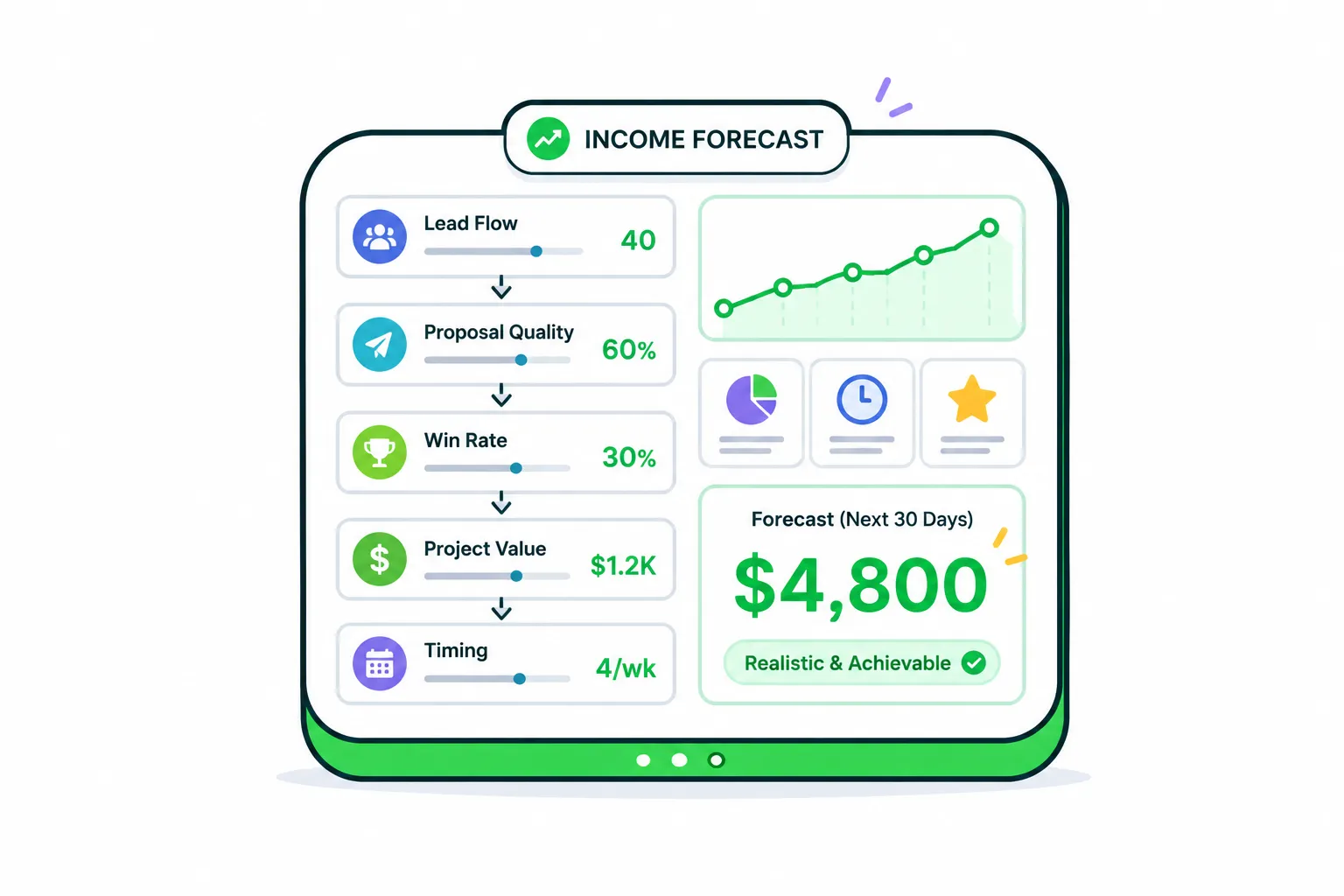
A realistic Upwork income forecast is not a motivational target. It is a simple model that shows what your current workflow is likely to produce.
In this guide, you will learn how to forecast your Upwork freelance income using practical numbers instead of guesses. You will also see how better job filtering, faster discovery, and stronger proposal drafting can make your forecast more predictable.
#Why Most Upwork Income Forecasts Are Wrong
Most freelancers forecast income like this:
“I want to make $5,000 next month, so I need to find enough work to reach $5,000.”
That sounds normal, but it is backwards.
Your income is the result of a pipeline. If the pipeline is weak, the target does not matter.
A better forecast starts with the path money actually takes:
- You find relevant jobs.
- You apply to the best ones.
- Some clients view or reply.
- Some replies turn into calls.
- Some calls turn into contracts.
- Some contracts close, expand, or repeat.
If you skip those steps, you are not forecasting. You are hoping.
And hope is expensive on Upwork because every weak application costs time, energy, and often Connects.
#The Simple Freelance Income Forecast Formula
You do not need a complex spreadsheet to start.
Use this simple formula:
Expected income = qualified jobs found × proposal rate × reply rate × close rate × average project value
Let’s make that practical.
Imagine this month you find 100 jobs. Only 40 are actually worth applying to. You apply to 30 of them. Out of those 30 proposals, 6 clients reply. You close 2 projects. Your average project value is $750.
Your forecast looks like this:
| Metric | Example Number | What It Means |
|---|---|---|
| Jobs found | 100 | Total jobs you reviewed |
| Qualified jobs | 40 | Jobs that fit your skills, rate, niche, and client quality |
| Proposals sent | 30 | Jobs you actually applied to |
| Replies received | 6 | Clients who responded |
| Projects won | 2 | Contracts started |
| Average project value | $750 | Average income per won project |
| Expected income | $1,500 | 2 projects × $750 |
This is not perfect, but it gives you something useful.
Now you can see which lever matters.
Maybe your problem is not closing. Maybe you are not finding enough qualified jobs. Maybe your proposal rate is high, but your reply rate is weak. Maybe your average project value is too low for your income goal.
That is where forecasting becomes useful.
It shows the bottleneck.
#Start With Qualified Job Flow, Not Total Job Volume
A common mistake is counting every job you see.
That makes your forecast look bigger than reality.
If you are a Laravel developer, a $50 “fix my website fast” job, a vague “build an app like Uber” post, and a serious API integration project should not all count the same.
The question is not:
“How many jobs are available?”
The better question is:
“How many jobs are realistic opportunities for me?”
A qualified job usually has a few signals:
- The work matches your strongest skills
- The budget is reasonable for the scope
- The client explains the problem clearly enough
- The timeline is possible
- The client history does not show obvious red flags
- You can write a specific proposal without pretending
This is why job filtering affects income forecasting so much.
If you manually scroll for an hour and apply to whatever looks “okay,” your forecast will be noisy. If you consistently find better-fit listings early, your forecast becomes more stable.
For developers, this is especially important when choosing between different types of work. A WordPress maintenance task, a custom SaaS build, and a cloud migration project can create very different income patterns. For example, if you are deciding which technical jobs are worth chasing, this guide on WordPress vs custom SaaS projects on Upwork is a useful next read.
#Understand the Four Numbers That Control Your Forecast
You do not need to track everything.
Track the numbers that actually change your income.
#1. Qualified Opportunities Per Week
This is the number of jobs you would seriously consider applying to.
Not jobs you casually saw.
Not jobs you bookmarked and forgot.
Only jobs that match your positioning, skill set, rate, and client quality.
If this number is low, your income ceiling is low before you even write a proposal.
Example:
- Bad: “I checked Upwork a few times this week.”
- Better: “I found 18 qualified jobs this week, and 11 were strong enough to apply to.”
That second version gives you something to improve.
#2. Proposal Speed
On Upwork, timing matters.
A strong proposal sent late can lose to a decent proposal sent early. Clients often start reading early applicants before the job becomes crowded.
This does not mean you should rush bad proposals.
It means your workflow needs to be fast enough that you can respond while the opportunity is still fresh.
If you regularly find good jobs hours after they were posted, your forecast will be weaker than your skill level deserves.
#3. Reply Rate
Your reply rate tells you whether your proposals are creating interest.
A low reply rate usually means one of four things:
- You are applying to weak-fit jobs
- Your proposal sounds generic
- Your positioning is unclear
- You are too late or competing in overcrowded listings
Do not judge reply rate from three proposals. Track it over at least 20 to 30 applications.
That gives you a more honest signal.
#4. Average Contract Value
A freelancer closing two $200 jobs is not in the same position as a freelancer closing two $2,000 jobs.
That sounds obvious, but many freelancers only track wins.
You need to track the value of wins.
If your average contract value is too low, you will need too many wins to hit your income target. That creates pressure, rushed proposals, and weak client selection.
Sometimes the easiest way to improve your forecast is not sending more proposals.
It is applying to better projects.
#A Practical Upwork Income Forecasting Table
Use this table as a simple monthly forecast model.
You can adjust the numbers based on your own niche.
| Forecast Lever | Conservative Month | Normal Month | Strong Month |
|---|---|---|---|
| Qualified jobs found | 30 | 50 | 80 |
| Proposals sent | 18 | 30 | 45 |
| Reply rate | 10% | 20% | 30% |
| Client replies | 2 | 6 | 14 |
| Close rate from replies | 25% | 35% | 40% |
| Projects won | 1 | 2 | 5 |
| Average project value | $500 | $900 | $1,500 |
| Forecast income | $500 | $1,800 | $7,500 |
The point is not to make the “strong month” look exciting.
The point is to understand what must be true for that month to happen.
If you want a $7,500 month, you need enough qualified opportunities, a healthy reply rate, strong sales conversations, and higher-value projects. You cannot just “try harder” at the end of the month and expect the numbers to work.
#Bad Forecasting vs Better Forecasting
Here is what bad forecasting usually sounds like:
“I will apply more this month and hopefully land a few clients.”
That gives you no control.
Better forecasting sounds like this:
“I need 40 qualified jobs this month, 25 strong proposals, a 20% reply rate, and at least two projects averaging $1,000 each.”
Now you can work with the model.
If you only found 10 qualified jobs by the middle of the month, you know the issue is discovery.
If you sent 25 proposals and got zero replies, you know the issue is targeting or proposal quality.
If you got replies but did not close, you know the issue is sales, trust, pricing, or fit.
Forecasting turns vague stress into specific diagnosis.
#How to Make Your Forecast More Realistic
A forecast should be honest, not impressive.
Here is the rule:
Use your current numbers first. Improve them second.
Do not build your forecast around the freelancer you hope to become next month. Build it around your current workflow, then adjust one or two levers at a time.
#Use a 3-Month Average
One month can be weird.
A client might delay. A platform change might affect visibility. You might be busy with delivery work and apply less.
Use a rolling 3-month average for:
- Proposals sent
- Replies received
- Calls booked
- Projects won
- Average project value
This gives you a calmer baseline.
#Separate New Work From Repeat Work
Repeat clients make income forecasting easier.
Do not mix repeat revenue with new Upwork acquisition unless you label it clearly.
Use two buckets:
- Expected repeat income: retainers, maintenance contracts, recurring clients
- Expected new income: new projects from proposals, invites, and job hunting
This helps you avoid false confidence.
A $4,000 month from one repeat client does not mean your proposal system is producing $4,000/month.
#Track Connect Waste
Connects are not just a platform cost.
They are a signal.
If you are spending Connects on jobs that never reply, never view, or clearly do not fit, your forecast is leaking.
You do not need to obsess over every Connect. But you should know which job types are draining your budget without creating conversations.
A simple note works:
- Strong fit, applied early
- Strong fit, applied late
- Weak fit, applied anyway
- Vague job, skipped
- Bad client signal, skipped
Over time, this shows which decisions protect your income.
#The Weekly Workflow for Forecasting Upwork Income
Forecasting should not become another full-time job.
Use a simple weekly review.
#Step 1: Count Qualified Jobs
At the end of each week, write down how many good-fit jobs you found.
Not total jobs.
Only serious opportunities.
#Step 2: Count Proposals Sent
Track how many proposals you sent to those qualified jobs.
If you found 30 good jobs and only applied to 5, ask why.
Were you too busy? Too slow? Unsure what to write? Did the jobs close too quickly?
That answer matters.
#Step 3: Count Replies
Track how many clients responded.
This is your first major quality signal.
If replies are low, improve targeting and proposal hooks before increasing volume.
#Step 4: Count Calls and Wins
Replies are not revenue yet.
Track how many replies became calls, and how many calls became contracts.
If clients reply but disappear, your proposal may be interesting but your qualification, pricing, or follow-up may need work.
#Step 5: Update Next Month’s Forecast
Use the numbers you actually saw.
Then ask:
- Do I need more qualified jobs?
- Do I need faster alerts?
- Do I need better filters?
- Do I need stronger proposals?
- Do I need to target higher-value projects?
This is where the forecast becomes a business tool.
#Where GigUp Fits Into the Forecast
Once you understand the numbers, the next problem becomes execution.
Manually checking Upwork, reading every listing, guessing fit, and writing proposals from scratch makes your pipeline harder to control. You may be skilled, but your forecast still suffers because your opportunity flow is inconsistent.
GigUp helps with the parts of the forecast that usually break first:
- Finding new jobs through custom Upwork trackers
- Scoring jobs against your profile with AI matching
- Filtering weak-fit listings before you waste Connects
- Sending alerts when strong opportunities appear
- Generating tailored proposals faster from your profile and past work
That matters because income forecasting is only useful when your inputs are consistent.
If you only see good jobs randomly, your forecast will be random too.
With GigUp, you can build trackers around the types of work you actually want, set relevance thresholds, and focus your attention on jobs that match your skills and income goals. It does not magically guarantee contracts, but it gives you a cleaner pipeline to forecast from.
And a cleaner pipeline is a serious advantage.
#A Simple Forecasting Checklist
Before you set next month’s income goal, run through this checklist.
#Upwork Income Forecast Checklist
- Do I know how many qualified jobs I found last month?
- Do I know how many proposals I sent?
- Do I know my reply rate?
- Do I know how many replies became calls?
- Do I know how many calls became paid contracts?
- Do I know my average project value?
- Do I know which job types wasted the most Connects?
- Do I know which job types created the best conversations?
- Do I have a repeat-client income estimate separate from new work?
- Do I have a system for finding strong jobs early?
If you answer “no” to most of these, do not worry.
That is normal.
But it also means your current income target is probably not a forecast yet. It is a wish with a number attached.
#Example: Turning a Goal Into a Real Forecast
Let’s say your goal is $4,000 next month.
Bad plan:
“I will apply more and try to close better clients.”
Better plan:
“I need 4 projects averaging $1,000 each, or 2 projects averaging $2,000 each.”
Now work backwards.
If your close rate from replies is 33%, you need around 6 to 12 serious client conversations.
If your reply rate is 20%, you need around 30 to 60 strong proposals.
If only half the jobs you find are worth applying to, you may need to review 60 to 120 jobs.
Now the real question appears:
Can your current workflow reliably find 60 to 120 relevant jobs in a month?
If yes, your goal may be realistic.
If no, your first bottleneck is not motivation. It is opportunity discovery.
That is the kind of clarity a forecast should give you.
#Common Mistakes That Make Income Forecasts Too Optimistic
#Counting Every Job as an Opportunity
A job is not an opportunity just because it exists.
If the budget is too low, the client is unclear, the skill match is weak, or the listing is already crowded, count it carefully or do not count it at all.
#Using Best-Month Numbers as Normal Numbers
Your best month is not your baseline.
Use your average month as the baseline. Treat the best month as proof of what is possible when the pipeline works well.
#Ignoring Delivery Capacity
You can win too much of the wrong work.
If your forecast requires you to deliver five projects at once and you are a solo freelancer, the math may look good but the business may break.
Forecast income and delivery capacity together.
#Forgetting Payment Timing
Winning a contract does not always mean cash arrives this month.
Milestones, hourly billing cycles, client delays, and review periods can shift income into the next month.
For cash planning, separate:
- Contract value
- Expected billed amount
- Expected payout timing
This keeps your forecast grounded.
#FAQ
#How many Upwork proposals should I send per month?
There is no perfect number. A better target is based on qualified jobs. Sending 20 strong proposals to well-matched jobs is usually better than sending 80 rushed proposals to weak-fit listings. Start by tracking your reply rate across 20 to 30 proposals.
#What is a good Upwork reply rate?
It depends on your niche, pricing, profile strength, timing, and proposal quality. Instead of chasing a universal benchmark, track your own baseline first. If your reply rate improves over time while your project quality stays strong, your system is getting healthier.
#Should I forecast income weekly or monthly?
Do both. Use weekly tracking to catch problems early, and monthly forecasting to plan income. Weekly numbers show pipeline health. Monthly numbers show business results.
#Why is my Upwork income so inconsistent?
Usually because one or more parts of the pipeline are inconsistent: job discovery, proposal timing, proposal quality, client fit, pricing, or follow-up. Forecasting helps you identify which part is causing the swings.
#Can AI tools help with income forecasting?
AI tools can help most with consistency. They can help you find relevant jobs faster, filter better, and draft proposals more efficiently. The forecast still needs your real numbers, but better workflow inputs make those numbers easier to improve.
#Final Thought
Realistic Upwork income forecasting is not about predicting the future perfectly.
It is about seeing your pipeline clearly enough to make better decisions.
When you know how many good jobs you find, how fast you apply, how often clients reply, how many deals you close, and what those deals are worth, your freelance business feels less random.
You stop asking, “Will next month be good?”
You start asking, “Which part of my system needs to improve?”
That is a much stronger place to operate from.
And if your biggest problem is finding the right jobs early enough, GigUp gives you a practical way to make that part of the pipeline faster, cleaner, and easier to forecast.